Supported platform
- Primary target: Ubuntu 24.04 LTS with GNOME or GNOME-style desktop sessions.
- Supported install path: Launchpad PPA with apt.
- Runtime stack: Python 3, GTK 4, libadwaita, PyGObject and Ayatana AppIndicator.
- Best-effort: other Debian/Ubuntu-compatible systems with the same dependencies.
- Not validated: Fedora, Arch, openSUSE, KDE, Xfce, LXQt, Flatpak, Snap, AppImage, macOS or Windows.
What it does
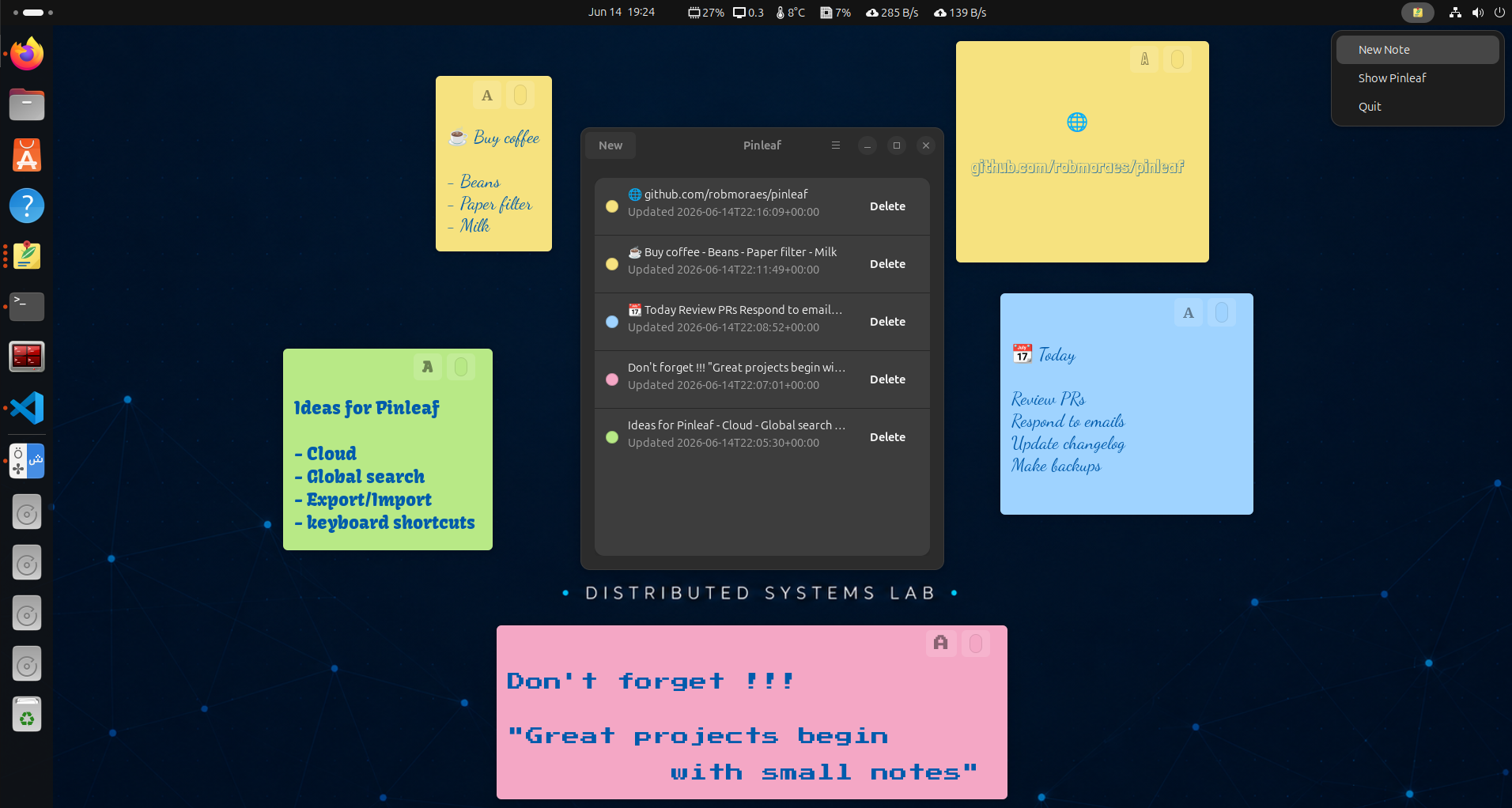
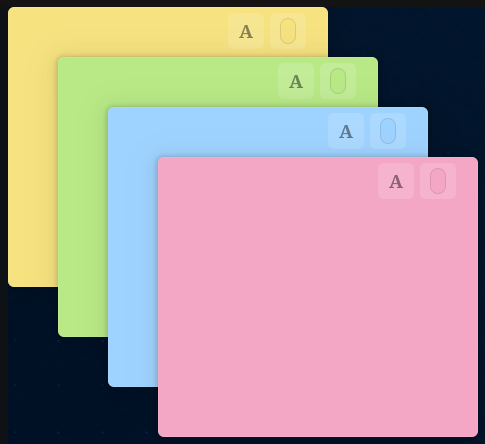
- Independent post-it-style note windows.
- Autosave and local SQLite persistence.
- Four note colors with curated bundled and system font choices.
- Default text settings for new notes, plus per-note text appearance controls.
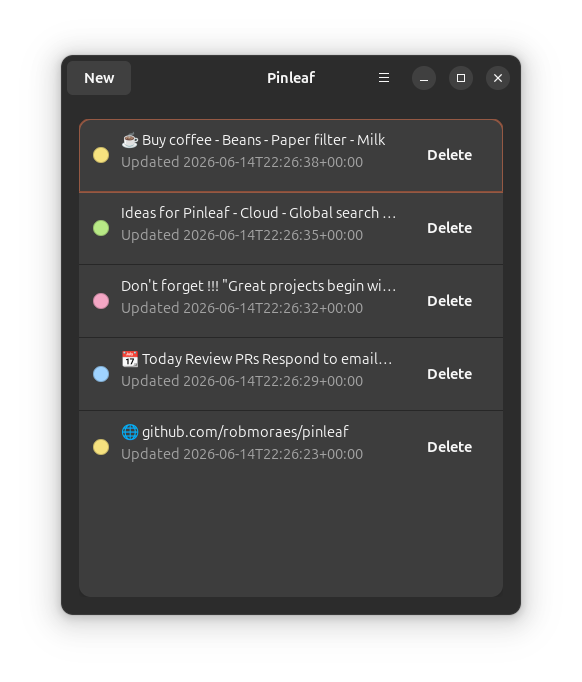
- Main panel with previews, local-time timestamps and struck-through hidden notes.
- Focused note action dialog from Escape for hiding or deleting notes.
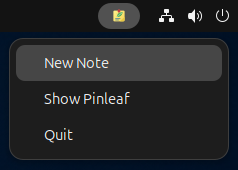
- AppIndicator menu for quick create, show and quit actions.
- Ubuntu PPA and local Debian package installation with apt.
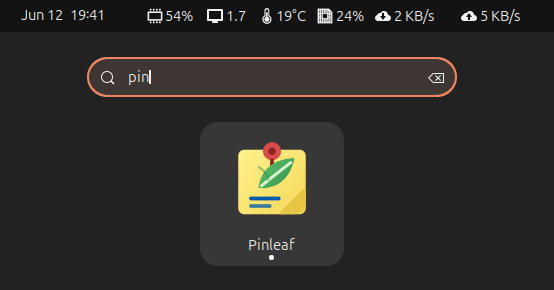
Screenshots
Install
Add the Pinleaf PPA on Ubuntu 24.04 and install with apt:
sudo add-apt-repository ppa:robmoraes/pinleaf
sudo apt update
sudo apt install pinleaf
Or download the Debian package from GitHub Releases:
sudo apt install ./pinleaf_*.debBuild a local Debian package from the repository root:
sudo apt install build-essential debhelper dpkg-dev
dpkg-buildpackage -us -uc
sudo apt install ../pinleaf_*.deb
Run from source with Ubuntu 24.04 system dependencies:
sudo apt install \
  python3-gi \
  gir1.2-gtk-4.0 \
  gir1.2-adw-1 \
  gir1.2-ayatanaappindicator3-0.1 \
  libayatana-appindicator3-1
git clone https://github.com/robmoraes/pinleaf.git
cd pinleaf
/usr/bin/python3 -m pinleafPinleaf stores notes locally under ~/.local/share/pinleaf. Package removal does not remove note data.
Development
Install the Ubuntu 24.04 system dependencies:
sudo apt install \
python3-gi \
gir1.2-gtk-4.0 \
gir1.2-adw-1 \
gir1.2-ayatanaappindicator3-0.1 \
libayatana-appindicator3-1Clone and run:
git clone https://github.com/robmoraes/pinleaf.git
cd pinleaf
/usr/bin/python3 -m pinleafInstall a user-local desktop launcher:
scripts/install-localCurrent status
Pinleaf is preparing v0.7.0 with richer text settings,
local-time note metadata and note visibility actions. Known limitations include
best-effort window positioning and desktop-environment-specific
AppIndicator behavior.
See known limitations for details.